
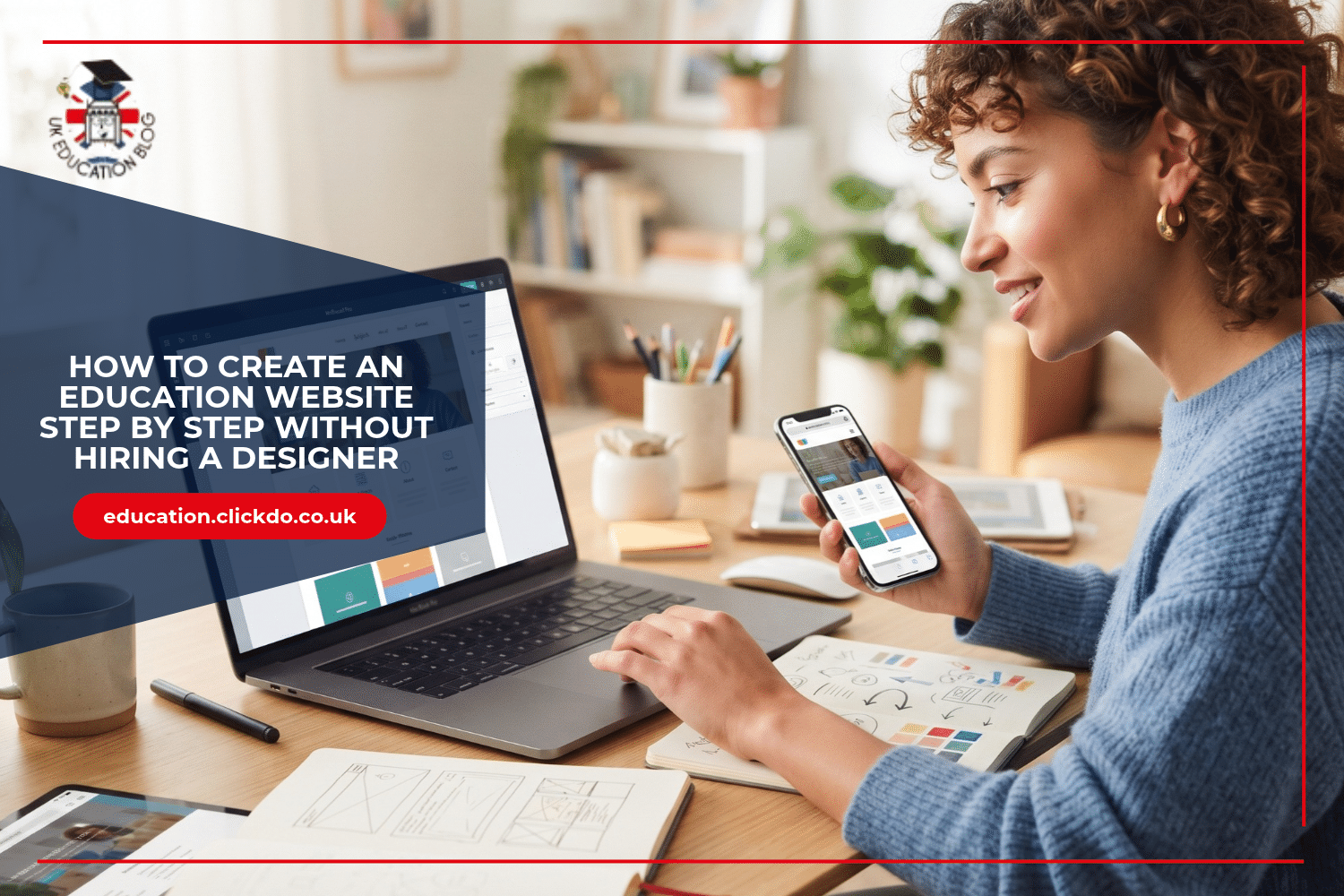

Turning an idea into a working website can seem complicated, especially without design or coding experience.
For tutors looking to attract students, personal trainers taking bookings or graduates showcasing their work, hiring a designer is no longer essential.
AI website builders can handle much of the setup, making it easier to focus on what visitors need to know and what they should do next.
This guide breaks down how to create a website in four practical steps, using one.com’s AI site builder to show how a simple description can become a working website.
For anyone unfamiliar with domains and hosting, this guide explains the basics of what it takes to get a website online.
Step 1: Decide what the website should achieve

Before choosing a website builder or browsing templates, think about who will visit the site and what they need. A tutor might want parents to enquire about lessons, while a graduate may need potential employers to explore their portfolio. Each website serves a different purpose, so the design should make that next step as easy as possible.
Once that goal is clear, gather the essentials: services, fees, qualifications, a short introduction, and contact details. Having everything ready before building a website saves time and keeps each page focused on what matters to visitors.
Action: Before diving into how to make a website, write one sentence explaining who the website is for, what it offers, and how visitors can get in touch.
Step 2: Choose a domain you can keep
A domain name is more than a website address. It’s how people find, remember and return to a business or portfolio, so choose something simple to spell and easy to recognise. Using a personal name or a broader business name also leaves room to grow, whereas a domain tied to one service or location could become limiting later.
Once a few names are shortlisted, check their availability and compare renewal prices, not just introductory offers. A cheap first year doesn’t always mean good long-term value.
Should domain and hosting come together?
Buying a domain and hosting from the same provider can make setting up a website easier, with billing and technical settings managed in one place. Keeping them separate may offer more flexibility if the website moves to another platform later. Whichever option makes sense, register the domain in your own name and check the transfer rules before committing.
Action: Shortlist three domain names, check availability, and record what each will cost to renew.
Step 3: Build the pages and edit carefully

With a domain chosen and the content ready, it’s time to start building the website. One.com’s Aida AI Website Builder can generate a website from a short description of your work, creating an initial layout and content that you can refine through AI chat or manual editing.
The first draft is a starting point, so review everything before publishing. Check that prices, qualifications, and testimonials are accurate, and replace generic descriptions with details that explain what makes your services different. For most small websites, four pages are enough to get started: home, services, about and contact. Tutors can also link to an existing tutoring platform profile, giving potential clients another way to check their experience.
Which plan fits your needs?
One.com offers three website builder plans depending on what the website needs to do. Portfolio, Booking, and Commerce all include AI website-building tools, SSL security, and a free first-year domain on eligible extensions. Portfolio includes one email inbox, Booking includes five, and Commerce includes 25, each with 3 GB of storage.
For tutors, trainers and other service providers, the Booking plan supports up to 25 appointments a month, while Commerce allows unlimited appointments and adds online selling features. The right choice depends on whether the website simply needs to showcase services, manage bookings or sell products. Check current plan terms before subscribing, particularly if the business is likely to grow.
Step 4: Test before publishing
Once the pages are in place, the final step is making sure the website works as visitors expect. Start by setting up a professional email address using your domain, then open the site on a phone to see how it looks and functions on a smaller screen.
Work through the website as a potential customer would. Follow every navigation link, submit a test enquiry and check that important buttons are easy to find. Review spelling, page titles and loading speed, particularly on mobile. It’s also worth asking someone unfamiliar with the site to find your contact details without help. If they struggle, visitors probably will too.
Before publishing, add a privacy notice explaining how information submitted through forms will be used, and check whether cookie consent is required. A cookie banner alone does not guarantee compliance. Finally, keep backups of your content and website files so nothing important is lost when making future updates.
How much does a website cost in the UK?

Duport estimates £240 to £360 annually for a DIY website with domain and email. Startups list some builder subscriptions from £1.99 monthly. These are broad benchmarks, not promised one.com prices. Check renewal charges, storage allowances and optional extras before subscribing.
When is a designer worth hiring?
Professional help may be worthwhile for custom student accounts, complex integrations or a dedicated CMS or LMS. For a straightforward information site, one.com’s 14-day trial offers a way to explore the builder without a credit card. Check the conditions for publishing and maintaining your site after the trial.
Author Profile

- Passionate education content creator and designer, contributor, writer and content marketing allrounder.
Latest entries
 Digital MarketingNovember 25, 2026How To Create An Education Website Step By Step Without Hiring A Designer
 FeaturedNovember 25, 2026Beyond Talent: Yasmin Sarwar on Why Discipline and Independent Learning Matter in Education
 Directory PostsNovember 13, 20266 Top Canadian Universities in Smaller Cities for International Students Planning to Stay in Canada
 Directory PostsOctober 20, 2026Top CMS & LMS Platforms for Educational Websites Compared – Magento, WordPress and Moodle