

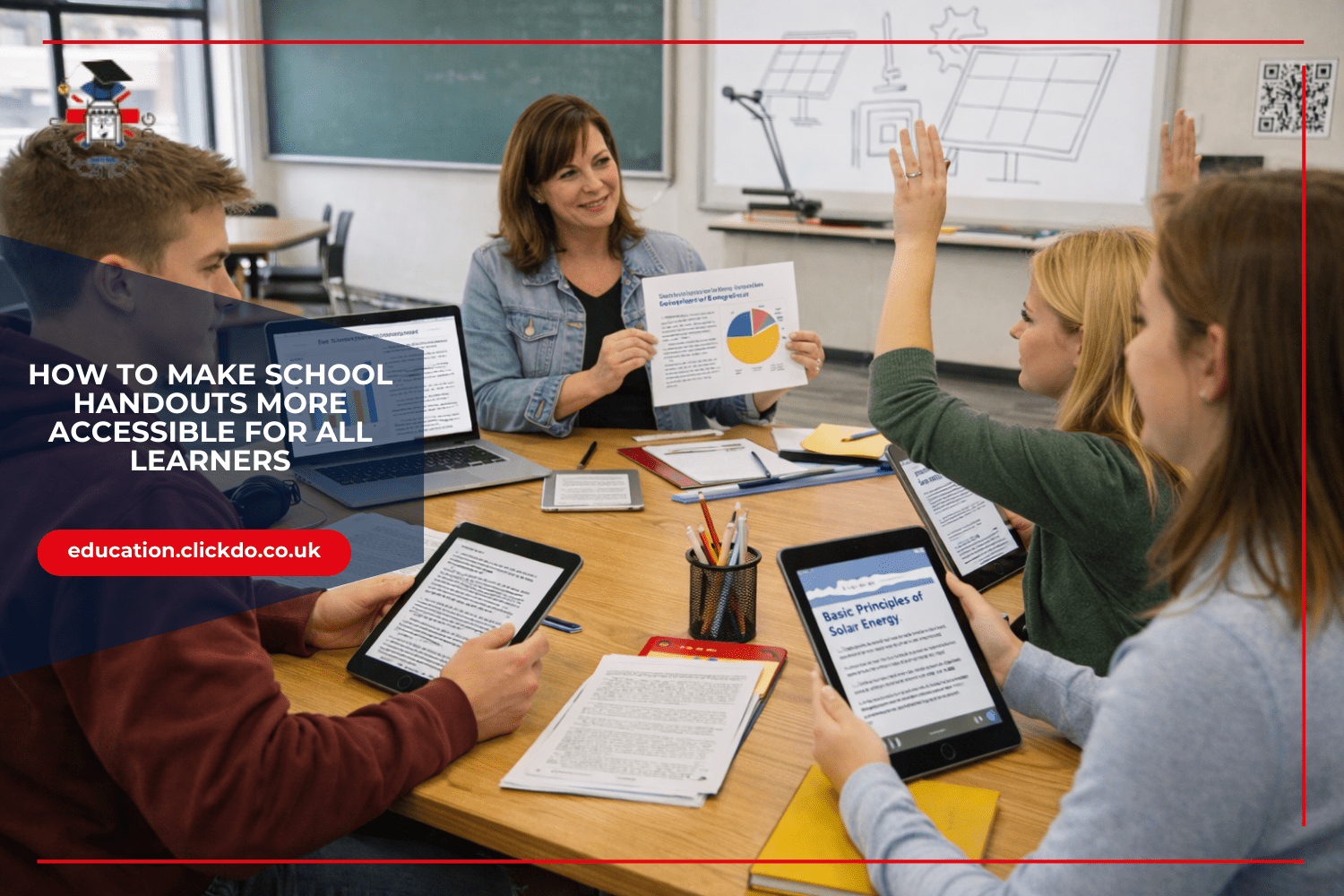

Classroom handouts must meet a wide range of learner needs.
Many UK schools are working to create accessible teaching materials, adapting resources so every student can participate fully.
Converting PDFs into image formats is sometimes used to support this process, allowing teachers to modify handouts for visual clarity, flexible use, and compatibility with assistive technology.
Converting PDFs to images alone does not guarantee accessibility. Further steps, such as applying optical character recognition and adding alternative text, are necessary to ensure the content remains usable for all learners.
Why PDF Accessibility Matters for Schools
The range of learning needs in UK classrooms is diverse and continues to evolve. Many pupils require additional support, and when teaching materials are not accessible, they can create barriers to learning for a significant number of students.
PDFs are common in schools but can cause problems. Many students struggle with text-heavy documents, especially those with dyslexia, who have difficulty processing written text. Students with visual impairments may require screen reader support. Teachers who use the best PDF to JPG converter can extract images from PDFs, but should check that converted content meets accessibility standards.
Common Barriers in Traditional School Handouts

Many school handouts create unintended obstacles for students with different learning needs. Text-heavy documents present major challenges for dyslexic learners, who may struggle with dense paragraphs. Also, ADHD students often need materials with clearer visual organisation and more space between text elements.
Fixed PDF formats can resist screen reader technology when not properly structured. When text is embedded as an image or lacks proper tagging, assistive technology cannot interpret the content. This leaves some students unable to access the same information as their peers.
Poor contrast ratios in handouts affect students with visual impairments. Documents with light text on light backgrounds can be nearly impossible to read for some learners. This basic design issue creates an immediate barrier to accessing information.
Complicated layouts often confuse students with cognitive processing difficulties. Multiple columns and text boxes can make it hard to follow the logical flow of information. These students benefit from simpler designs with clear visual hierarchies.
The Impact on Student Engagement and Achievement

Inaccessible materials can have a direct effect on classroom participation rates. When students cannot easily read or understand handouts, they may disengage from learning activities. This disengagement can be mistaken for lack of interest rather than identified as a barrier issue.
Creating materials in formats that support accessibility can help students participate more fully. Clear layouts, high-contrast visuals, and logical structure are known to reduce confusion for students with disabilities.
Teachers can make improvements by using accessible fonts, well-structured headings, and alternative text for images. These practices together can help students focus better, improve comprehension, and achieve higher assessment scores, especially for those who previously faced barriers with standard formats.
Converting PDFs to Accessible Image Formats
Image formats offer benefits for visual learners and students using assistive technology, but only when accessibility is maintained. Unlike fixed PDFs, images can be resized and annotated. Converting a PDF to an image without further steps can actually reduce accessibility for some users.
Image-based PDFs are completely inaccessible unless optical character recognition (OCR) technology is applied. Changing PDFs to accessible formats involves several steps. First, teachers should select a reliable conversion tool that maintains image quality.
Next, they should apply OCR to ensure text is readable by assistive technology. Finally, they should add alternative text and save the converted images in an organised file structure. Online conversion tools can provide quick document modifications for busy teachers.
However, these tools alone do not ensure accessibility. Teachers should always check converted materials for readability before sharing them with students.
Practical Techniques for Creating Inclusive Handouts

Clear, sans-serif fonts make a noticeable difference in readability. Fonts like Arial and Verdana are often recommended for students with dyslexia because their letters have distinct shapes and are easier to read. Text size should be at least 12-14 points for standard materials, with larger options available for students who need them.
Proper heading structures help all students navigate documents more easily. Using consistent heading levels creates a clear hierarchy of information that benefits everyone, especially those using screen readers. This organisation helps students find specific information quickly and understand how concepts relate to each other.
Alternative text descriptions for images and diagrams are essential for visually impaired students. These descriptions should be clear and concise, explaining both what the image shows and why it matters to the content. Without this text, important visual information remains unavailable to some learners.
Colour contrast is an important consideration for readability. Using dark text on light backgrounds, or vice versa, helps ensure that materials are easier to read for a wider range of students. Avoiding colour combinations with low contrast can make documents more accessible.
Accessibility Tools Available in Common Education Software
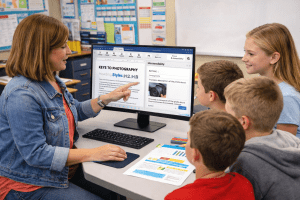
Microsoft Office and Google Workspace include built-in accessibility checkers that can identify potential barriers in documents. These tools scan for issues like missing alternative text, poor contrast, and problematic heading structures. They also provide suggestions for fixing these problems before sharing materials with students.
Using heading styles correctly ensures screen readers can navigate documents properly. When teachers format text as actual headings rather than just making text bold or larger, they create a document structure that assistive technology can interpret. This simple practice makes a major difference for students using screen readers.
Measuring the Impact of Accessible Materials
Gathering student feedback provides helpful opinions on handout accessibility. Teachers can use simple surveys or class discussions to learn which formats work best for different students. This direct input helps adjust materials over time to better suit various learning needs.
Simple metrics can track engagement with different material formats. Teachers might record which students complete assignments successfully or participation rates in discussions based on handouts. These measurements help reveal which accessibility features are most helpful.
Making educational materials accessible can help increase classroom participation. Inclusive learning materials are also believed to support improved achievement for students with disabilities. Accessible document formats for schools may help students engage with tasks more independently when best practices are followed.
Carrying out a basic accessibility audit helps identify areas to improve. Teachers can review existing materials using a simple checklist that covers font choice, contrast, layout, and alternative text. This method ensures no accessibility features are missed when creating resources.
Through thoughtful choices about document formats and accessibility features, teachers help build fairer learning environments. Converting PDFs for special educational needs may seem small, but their effect on student experience can be meaningful for PDF accessibility in education.
Author Profile

- Passionate education content creator and designer, contributor, writer and content marketing allrounder.
Latest entries
 careerMarch 3, 20263 Common Mistakes Students Make on their UK University Application
 language learningMarch 2, 2026How to Prepare for the JLPT: Tips and Resources for Exam Success
 learningDecember 17, 2025How to make School Handouts more Accessible for all Learners
 learningDecember 15, 2025Why Critical Thinking and Evaluation Skills Matter in Psychology Revision